
Small Business Website Launch Checklist: From Source Material to a Live Five-Page Site
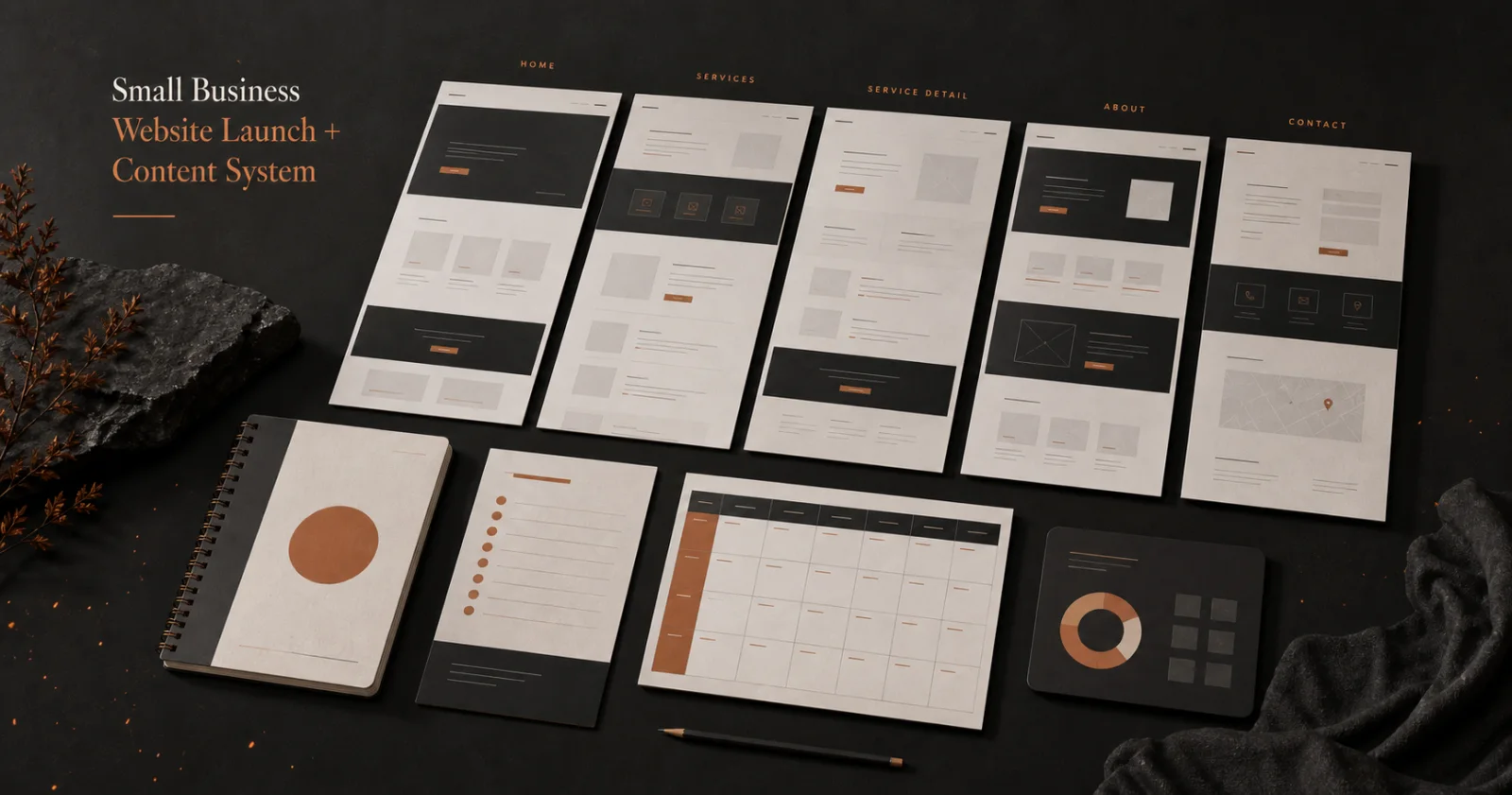
A small-business website does not need dozens of pages before it can be useful. It needs a clear promise, trustworthy facts, an obvious next step, and a launch process that catches expensive mistakes before customers do.
This checklist uses a five-page starting point: Home, Services, About, Proof or Process, and Contact. Adapt the names and required disclosures to your business, industry, jurisdiction, and customer journey. The goal is not to force every company into the same template; it is to make the essential buying information complete and reviewable.
1. Build a source-of-truth sheet
Collect the facts the site is allowed to state before drafting polished copy:
- legal and public business name;
- approved description of the business;
- services actually offered;
- service area or delivery boundary;
- contact routes and operating hours;
- pricing facts you are willing and permitted to publish;
- credentials, licenses, memberships, or certifications with verification sources and dates;
- warranty, guarantee, refund, or support terms;
- approved customer proof and permission records;
- required privacy, accessibility, legal, or industry language.
Mark every item verified, unresolved, expired, prohibited, or not applicable. Do not let an old brochure, competitor page, generated paragraph, or employee memory silently become the source for a public claim.
If a fact changes later, this sheet tells you which pages need review.
2. Define one primary visitor and action
Write a one-sentence job for the website:
Help a local property owner understand whether this service fits their problem and request an estimate with the information needed for a useful response.
That sentence is more operational than “look professional.” It identifies who the site serves, what decision they need to make, and what action should follow.
Choose one primary conversion action for the launch. It may be a call, estimate request, consultation booking, store visit, purchase, or application. Secondary actions can exist, but they should not compete everywhere with the main path.
3. Map the five essential pages
Home
The homepage should establish:
- what the business does;
- who or what situation it serves;
- where the service is available;
- why the visitor should trust the next step;
- the primary action.
Avoid opening with a slogan that only makes sense after someone already knows the company.
Services
Group services in the way customers look for help. For each service, state the problem or need, the included work, important boundaries, typical next step, and any fact that changes eligibility.
Do not promise timing, availability, results, or price ranges that operations cannot support.
About
Explain the company using verifiable details: ownership where approved, operating history, relevant qualifications, service approach, and community connection. Do not invent a founder story, team size, customer count, or milestone because it sounds reassuring.
Proof or process
Use this page for the evidence that helps a buyer reduce uncertainty. Depending on the business, that may include an explained process, authorized project examples, verified reviews, documented credentials, FAQs, or service standards.
Keep examples labeled. A photograph from one project does not guarantee another customer’s outcome.
Contact
Tell the visitor what happens after contact. Include the supported channels, expected response window only if operations can meet it, service boundaries, emergency limitations when relevant, and the information needed to route the request.
Do not ask for sensitive information that is unnecessary at this stage.
4. Write each page around a decision
For every page, record:
- the visitor question;
- the verified facts that answer it;
- the proof or explanation needed;
- the action available at the end;
- the page owner and review date.
This prevents a page from becoming a pile of sections copied from a template. A service page should help someone decide whether that service fits. An About page should explain why the business is credible. A Contact page should remove uncertainty about the next step.
Write headings that summarize the content below them. Visitors scan first; they should understand the page structure without reading every paragraph.
5. Design the complete buyer path
Review the route from first visit to submitted inquiry:
- Can the visitor identify the business within a few seconds?
- Is the service area or delivery boundary visible?
- Does the primary action use consistent wording?
- Does each button lead to the intended destination?
- Are forms short enough for the decision being made?
- Does the confirmation state explain what happened next?
- Can a visitor recover if the form fails?
- Is a real support or contact route available?
Do not measure the quality of the path by how many buttons it contains. Measure whether the right visitor can move forward without guessing.
6. Run mobile and accessibility checks
Test the actual pages at common narrow and wide viewport sizes. Check:
- headings do not overwhelm the screen;
- navigation opens, closes, and works with a keyboard;
- the first keyboard action can reach a skip link where appropriate;
- focus is visible;
- buttons and form fields are large enough to operate;
- images have meaningful alternative text when they convey information;
- decorative images are not announced unnecessarily;
- color contrast remains readable;
- text does not require horizontal scrolling;
- forms expose labels, errors, and confirmation states.
Automated checks are useful, but they do not replace using the interface. Complete the main buyer task with a keyboard and on a real mobile browser before launch.
7. Verify technical launch essentials
Before publication, confirm:
- one descriptive page title and one primary heading per page;
- one canonical URL for each indexable page;
- useful meta descriptions without fabricated claims;
- working internal links and contact actions;
- secure HTTPS delivery;
- a valid sitemap and robots policy;
- social sharing metadata and owned images;
- a real favicon and brand identity;
- appropriate structured data based on facts the business can verify;
- no development credentials, private customer data, or internal notes in the public files.
Structured data should describe the page and business accurately. It is not a place to add ratings, prices, availability, or organization facts that are absent or unsupported.
8. Configure measurement before launch
Define the minimum events needed to understand the buyer path:
- qualified page view;
- primary action click;
- form start when meaningful;
- successful form submission;
- phone or email action where measurement is appropriate;
- completed purchase or booking when applicable.
Exclude operator, developer, monitoring, and synthetic verification traffic from commercial reporting. A successful analytics request proves instrumentation, not customer demand.
Record the baseline after real traffic begins. Do not infer conversion performance from your own launch checks.
9. Publish with a rollback record
Record the exact version being released, deployment time, owner, changed URLs, expected behavior, and rollback method. After deployment:
- load each public URL without relying on an authenticated session;
- complete the primary visitor task;
- verify forms, links, confirmation states, and contact routes;
- inspect the mobile presentation;
- verify analytics requests without counting them as customer activity;
- compare the deployed files or version with the approved release.
A deployment command completing successfully is not the same as a working production buyer path.
10. Start the maintenance and content rhythm
Assign an owner and review interval to every fact that can expire. Review services, staff, credentials, hours, service areas, prices, forms, links, proof, and policies on a recorded schedule.
For ongoing content, choose a small number of buyer questions that the team can answer accurately. Each article should solve a real problem, use approved source material, connect to a relevant service or product only when useful, and have a review trigger.
Publishing more pages does not repair an unclear offer. Improve the core buyer path before expanding the content inventory.
Turn the checklist into a controlled launch system
The useful artifact is not only the finished website. It is the connection between source facts, page decisions, approved copy, launch checks, analytics, rollback instructions, and ongoing ownership.
Before buying anything, use the free source-of-truth worksheet. It shows the actual fact, proof-rights, owner, and review fields used by the system. No email or account is required.
Fireproof Studio’s Small Business Website Launch + Content System packages that process into editable planning, writing, QA, launch, measurement, and maintenance files. It is a $59 one-time purchase for one person or one legal business.
Whether you build your own workflow or use ours, apply one launch rule: every public claim must have an approved source, every primary action must work in production, and every changing fact must have an owner.