
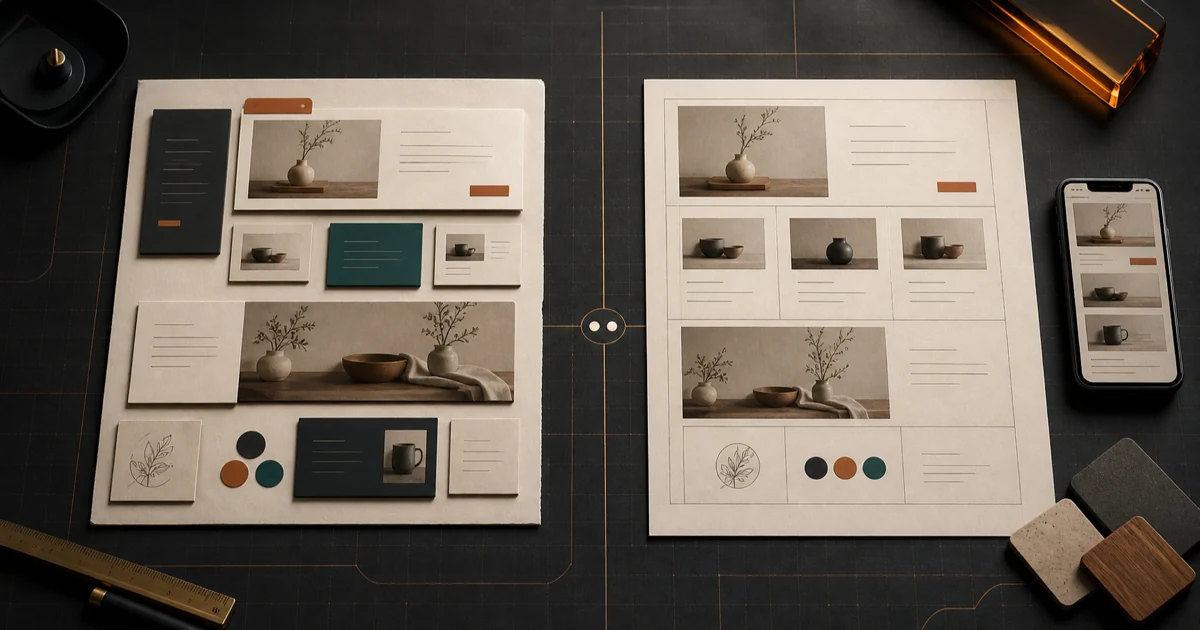
The best way to start a business website is not the one with the longest feature list. It is the one that gives you the right kind of help.
A template gives you a structure to fill. An AI website builder gives you a system that can interpret what you provide and propose a structure, design, and copy. Either can produce a useful site. Either can also leave you with a polished page that does not fit the business.
The choice becomes clearer when you stop asking which category is better and ask four practical questions:
- How ready is your content?
- How different does the site need to feel?
- How much control do you want during setup?
- Who will maintain it after launch?
Those answers matter more than whether the product uses AI.
Fireproof Studio operates HandsFreeSites and SiteGlowUp, the two AI products referenced below. A template remains the better choice when it fits the business and owner.
What a template is good at
A template begins with decisions already made. It establishes a layout, visual hierarchy, page structure, and set of components. You replace the sample material with your own.
That constraint can be useful. If you already know what the homepage should say, have approved photos, and can map your services into the available sections, a template removes a large number of design choices. You are not inventing a system. You are choosing one and adapting it.
Templates tend to fit best when:
- your business follows a familiar website pattern;
- your content is written and organized;
- you are comfortable editing pages and settings;
- the template includes the features you need;
- speed matters more than having a distinct visual structure.
Imagine a bakery that already has a logo, a photo library, a final menu, current hours, and a clear catering inquiry path. A well-chosen food-business template may be enough. The owner can see where each piece belongs and judge whether the structure supports the job.
The danger is choosing by appearance alone. A dramatic demo can depend on perfect photography, short placeholder headlines, and sections that do not match your business. Once real service names, policies, and uneven image sizes arrive, the design may feel much less resolved.
Before committing to a template, put your least convenient content into the demo structure. Try the longest service name. Add the actual number of navigation items. Test a page with one photo and another with twelve. A template should fit the business on an ordinary day, not only under ideal sample content.
What an AI website builder is good at
An AI website builder starts with input about the business rather than a nearly finished layout. Depending on the product, that input may be a written description, an existing website, a set of answers, or uploaded material. The system uses it to propose some combination of content, structure, and visual direction.
This can help when the blank page is the real obstacle.
A plumber may know the services, coverage area, and phone number but not how to turn those facts into a homepage. A consultant may understand the offer but have no opinion about section order or type scale. In those cases, a generated first version creates something concrete to review.
AI builders tend to fit best when:
- your information exists but is not yet organized as website copy;
- you want to see a direction before making many design choices;
- a standard template would require extensive reworking;
- you would rather review a proposed result than assemble sections yourself;
- the builder makes revision and ownership boundaries clear.
The advantage is not that AI always makes better decisions. It is that the system can compress a fuzzy collection of facts into a visible proposal. That changes the task from “design a website” to “is this accurate, useful, and appropriate for my customers?”
That proposal still needs a careful review. AI can write a plausible service description that the business does not actually offer. It can emphasize the wrong audience, invent a confident claim, omit an important qualifier, or create imagery that implies something untrue. Generation reduces setup work. It does not transfer responsibility for what the site says.
Compare the starting points, not the labels
“Template” and “AI builder” cover many different products. Some templates include AI writing tools. Some AI builders reuse fixed patterns behind the scenes. The useful distinction is where each product expects your decisions to happen.
| Question | A template usually asks you to | An AI builder usually asks you to |
|---|---|---|
| Starting material | Fit your content into an existing structure | Provide facts or source material for a proposed site |
| Design control | Choose and adjust visible components | Review and refine a generated direction |
| Differentiation | Customize a shared system | Depend on the quality and range of generated output |
| Setup effort | Assemble, replace, configure, and format | Brief, generate, verify, and revise |
| Maintenance | Keep working inside the template system | Use the builder’s editing and publishing workflow |
Neither column is automatically easier. They move the work to different places.
With a template, most of the effort may come before launch: selecting a theme, reshaping content, configuring sections, and resolving mismatches. With an AI builder, the first version may arrive sooner, while more of the important work moves into fact-checking, prioritizing, and revision.
Choose the work you are equipped to do—not the category that promises the least work.
Use content readiness as the first filter
Start by taking inventory of what you have.
A template is a strong candidate if you already have:
- a clear one-sentence description of the business;
- finalized service or product information;
- approved contact details, hours, and locations;
- usable images and brand assets;
- a defined primary action, such as booking or requesting an estimate;
- someone willing to place and format all of it.
An AI builder may be a stronger candidate if you have:
- accurate business facts but no website structure;
- rough notes instead of finished page copy;
- an existing site that contains useful context but feels dated;
- uncertainty about how the material should be prioritized;
- a preference for reacting to a complete direction.
AI cannot rescue missing facts. If you do not know your service area, price policy, booking process, or main customer, generation will conceal those gaps more easily than it will solve them. A clean page can make an undecided business look decided. If you already have a site, use our AI redesign checklist to separate useful source material from content that should not carry forward.
Whatever starting point you choose, mark each important fact as verified, needs confirmation, or not for publication. That small step prevents sample copy and confident guesses from becoming customer-facing promises.
Decide how much differentiation is worth maintaining
A website does not need to be visually unprecedented to work. It needs to make the business understandable and make the next step clear.
For many local businesses, a familiar structure is an advantage. Visitors know where to look for services, hours, proof, and contact information. A template can deliver that predictability efficiently.
Differentiation matters when the business has a story, offer, or experience that the standard layout hides. If every available template gives equal weight to six services but one service drives the business, the structure is fighting the priority. If the company relies on a distinct process that needs explanation, changing colors and fonts will not be enough.
An AI-generated direction can adapt the hierarchy around the information you provide. But “custom” is not a synonym for effective. Review whether the result expresses a meaningful difference:
- Does it lead with the reason customers choose this business?
- Does it put the strongest proof near the decision it supports?
- Does it make the primary action obvious?
- Does it remove sections the business does not need?
- Does it still feel coherent when real content replaces the ideal version?
If the differences are only decorative, a simpler template may be the better trade.
Look past launch to the next ordinary update
The first build gets most of the attention. Maintenance determines whether the site stays trustworthy.
Picture the first routine change after launch: a new employee, adjusted hours, another service, a seasonal photo, or an updated contact form. Who makes that change? How long does it take? What can break? Can the owner preview it before publishing?
A template may be comfortable for someone who wants direct access to pages and components. That same control can feel like a burden to an owner who never wanted to become the site’s designer.
An AI workflow may make plain-language changes easier, but you still need to understand what the system changes, how to correct a poor result, and what happens if you leave the service. The right questions are practical:
- Can I edit facts without regenerating unrelated material?
- Can I preview a change before visitors see it?
- Who controls the domain, content, and site files?
- How are forms, analytics, booking tools, and other integrations handled?
- What costs continue after the initial build?
- What support exists when the result is wrong or the site is unavailable?
Do not accept “easy to update” as an answer. Try the update path yourself, or ask to see it demonstrated with a realistic change.
A short decision rule
Choose a template when your content is ready, your site follows a familiar pattern, and you want direct control over fitting the pieces together.
Choose an AI website builder when your business facts are available but the structure is not, you want a complete proposal to react to, and you are prepared to verify and refine the result.
Choose neither yet if the business facts, customer path, or publishing responsibilities are still unclear. Organize those first. A different tool will not make an unresolved brief accurate.
Test one real path before you decide
Whichever route you take, build enough to test the site’s main job.
Do not stop at the hero section. Follow the path a customer would use: understand the offer, find the relevant proof, take the next step, and see what happens after submitting or clicking. Repeat it on a phone. Check every business claim. Note what is still placeholder material.
That test gives you better evidence than a feature comparison. It reveals whether the starting point fits both the business and the person responsible for the site. Our website redesign preview guide gives you a five-pass review for the result, and our approach explains why a human still owns the final decision.
Fireproof Studio makes both products for these different starting points. If you want to begin from a plain-language description, build a free preview with HandsFreeSites. It currently turns that brief into a website preview you can inspect before deciding whether to keep it. If you already have a site with useful content and structure, see a redesign preview with SiteGlowUp, which uses the existing URL as the starting point.
The goal is not to choose AI or reject templates. It is to reach a website you can understand, maintain, and stand behind.