
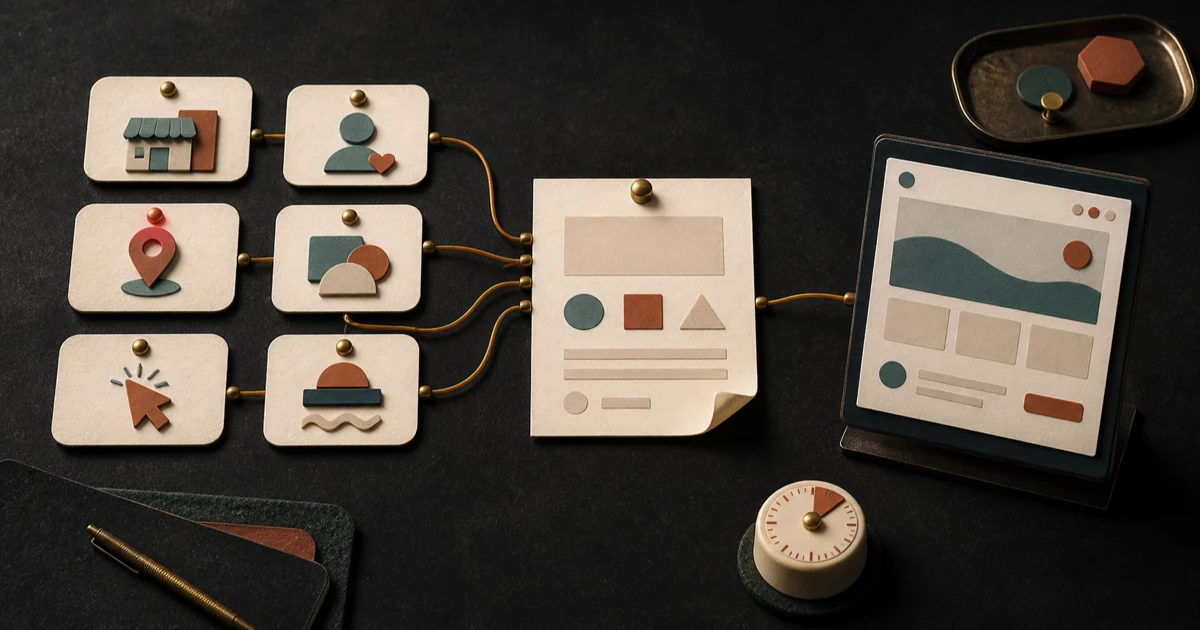
You should not need to write a miniature business plan before someone can start your website. But “we need a modern site for our family business” is not enough to build from without guessing.
A useful small business website brief sits between those extremes. It gives a designer or website generator six decisions in six sentences: what the business does, who it serves, what matters most, why customers should believe it, what they should do next, and how the business should sound.
That is what “better” means here: a more accurate, reviewable first draft. A good brief does not guarantee a good website, more customers, higher search rankings, or a particular business result. It simply replaces avoidable assumptions with facts you can check.
Set a five-minute timer and write one plain sentence for each section below. If a fact is unknown, mark it unknown. That is more useful than filling the gap with a confident guess.
The six-sentence website brief
1. Say what the business does
Complete this sentence: We provide [specific service or product] in [location or service area].
Use the words a customer would recognize. “Residential plumbing repairs in north Austin” gives the website something concrete to explain. “Complete solutions for modern living” does not.
If one service drives most new inquiries, name it first. You can add the rest later without making every service look equally important.
2. Name the customer you are trying to help
Complete this sentence: Our best-fit customer is [specific kind of person or organization] who needs [specific help].
“Homeowners with a leaking or unreliable water heater” is more useful than “everyone who needs plumbing.” The point is not to exclude every other customer. It is to give the homepage a clear person to address.
3. Choose the first thing the visitor should understand
Complete this sentence: The most important thing a new visitor should understand is [one priority].
This might be a specialty, a service area, an appointment model, or a practical difference in how you work. Choose one. A homepage that treats five messages as the main message usually makes visitors sort out the priority themselves.
Keep this statement factual. “We offer evening appointments” can be checked. “We deliver unmatched service” cannot help a builder decide what to show.
4. Supply proof you can stand behind
Complete this sentence: Customers can trust this because [two or three verified proof points].
Proof can include years in business, relevant credentials, a documented process, named guarantees you actually offer, customer reviews you have permission to use, or photographs of completed work. It should not include an award you cannot verify, a review you cannot attribute, or a promise that depends on circumstances.
If you have no proof ready, say that. The first draft can leave space for it instead of inventing it.
5. Pick one next step
Complete this sentence: The primary action we want a visitor to take is [one action], using [phone, form, booking page, visit, or another path].
“Request an estimate through the short form” gives the page a clear job. “Learn more, call us, follow us, visit the gallery, and subscribe” does not.
You can still offer secondary paths. Choosing one primary action tells the site which button should receive the strongest placement and clearest wording.
6. Describe the voice in useful terms
Complete this sentence: The site should sound [two or three traits], and it should never sound [one or two traits].
“Calm, neighborly, and direct; never jokey about emergencies” is actionable. “Professional but approachable” is common enough to mean almost anything unless you add a boundary or example.
Think about how a good employee would explain the business to a first-time customer. Use those qualities rather than trying to imitate another brand.
Copy and paste this website brief template
Replace every bracketed note. Keep each answer to one sentence on the first pass.
We provide [specific service or product] in [location or service area].
Our best-fit customer is [specific customer] who needs [specific help].
The most important thing a new visitor should understand is [one priority].
Customers can trust this because [two or three verified proof points].
The primary action we want a visitor to take is [one action], using [contact or booking path].
The site should sound [two or three voice traits], and it should never sound [one or two traits to avoid].
Read the paragraph aloud when you finish. If it sounds like something that could describe almost any business, replace one vague phrase with a fact.
Gather these facts before anyone writes the page
The six sentences establish direction, but the website still needs operating details. Put these in a short fact sheet beside the brief:
- the exact business name and any public-facing variation;
- current phone number, email address, and physical address, if published;
- opening hours and any appointment restrictions;
- cities, neighborhoods, or distance limits in the service area;
- a prioritized list of services or products;
- the correct destination for the primary action;
- approved logo files, photographs, and brand colors, if they exist;
- proof that may be published, including the exact wording and source;
- required qualifications or eligibility details that customers need to know;
- anything the site must not claim, show, or imply.
Mark each item verified, needs confirmation, or do not publish. Do not copy old hours, an outdated staff list, or a service you no longer offer just because it appears on an existing page.
If you are still deciding between tools, use this brief as your content-readiness check. Our AI website builder versus template guide explains how the two starting points handle the same facts differently.
A weak brief and a stronger brief
The example below is fictional. It does not describe a Fireproof Studio customer or report real results.
Weak version
Bright Path Electric needs a clean, modern website that shows our excellent service. We work with everyone and want people to contact us. Make it friendly and professional.
This supplies a business name and a broad tone, but leaves the important decisions open. It does not say which services matter, where the company works, which customer the homepage should address, what proof is available, or how a visitor should make contact. A designer or generator would have to choose those details without evidence.
Stronger version
We provide residential electrical repairs and panel upgrades in Madison and nearby Dane County communities. Our best-fit customer is a homeowner who needs a licensed electrician to diagnose a repair or assess an older electrical panel. The most important thing a new visitor should understand is that residential repair work is our main focus. Customers can trust this because our electricians are licensed, our service-area addresses are published, and we can provide approved photographs of completed panel work. The primary action we want a visitor to take is to request an appointment through our website form. The site should sound calm, clear, and respectful; it should never use fear or make safety guarantees.
Here is what changed:
- Scope: “residential electrical repairs and panel upgrades” replaces “excellent service.”
- Place: the service area is named instead of implied.
- Audience: the page has a specific homeowner and problem to address.
- Priority: residential repair work has a defined place in the hierarchy.
- Proof: each proposed trust signal must be verified before publication.
- Action: the form, not a generic request to “contact us,” becomes the primary path.
- Voice boundary: “never use fear or make safety guarantees” is a usable editorial constraint.
The stronger version is not finished website copy. It is better source material because every sentence can be confirmed, corrected, or rejected by the business owner.
What the brief cannot decide for you
A six-sentence brief is a starting point, not a substitute for product, design, or business judgment.
It cannot tell you whether the offer is competitive, whether customers understand your terminology, or whether your chosen action is the right one. It cannot determine which pages are required, whether a form is accessible and reliable, or how the site performs on a phone. It cannot grant permission to use a photograph, testimonial, logo, certification, or customer name.
It also cannot validate a generated claim merely because the sentence sounds plausible. The person responsible for the business still needs to review the resulting page.
Before you commit to a redesign or publish a first version, inspect what was actually made. Our guide to reviewing a website redesign preview provides a separate five-pass check for messaging, tasks, factual accuracy, mobile behavior, and edge cases.
Run one final fact-check
When a first draft comes back, compare it against the brief and fact sheet line by line.
- Is every service, location, hour, name, and contact detail correct?
- Does the first screen explain what the business does and who it helps?
- Is the chosen priority actually more prominent than secondary material?
- Can you verify every trust claim and use every supporting asset?
- Does the primary button lead to the intended next step?
- Does the voice follow both the positive traits and the “never” boundary?
- Did the draft add a promise, policy, price, credential, or statistic that was not in the source material?
Correct factual errors before debating colors or decorative details. Then ask someone unfamiliar with the business to explain what the page says and what they would do next. Their answer will show whether the brief survived the build.
You do not need perfect copy to begin. You need six clear decisions and enough verified facts to recognize when the first draft gets the business wrong.
Fireproof Studio operates Hands Free Sites. If you want those six sentences turned into a website you can inspect, start a free preview. A typical preview takes about five minutes, though the time can vary, and no card is required to create it. Review every generated detail before you publish.